Homes · Costa Rica
Whole-home WiFi installation in Costa Rica
Whole-home WiFi in Costa Rica has to get through concrete walls, reach the rancho and the pool, and keep working when the power flickers. We design and install Ubiquiti UniFi networks that cover the whole property, wired back properly, with every device and password in your name.
Why doesn’t WiFi reach every room in a Costa Rican house?
Most houses here are built from concrete block and reinforced concrete. Every solid wall takes a large bite out of a WiFi signal, and the faster, higher frequencies that modern WiFi depends on lose the most. A single router from the internet provider, usually left wherever the line enters the house, cannot cover a two-storey concrete home, let alone a casita at the back or a rancho by the pool.
Wireless mesh kits help in some houses, but when each unit has to relay through a wall to reach the next, speed drops at every hop. The fix that holds up is the one offices use: several access points, each connected back with an Ethernet cable, each covering a few rooms, all running as one network with one name and one password.
What does a whole-home WiFi installation include?
- A survey of the house and grounds, so access points are placed from measurements, not guesses
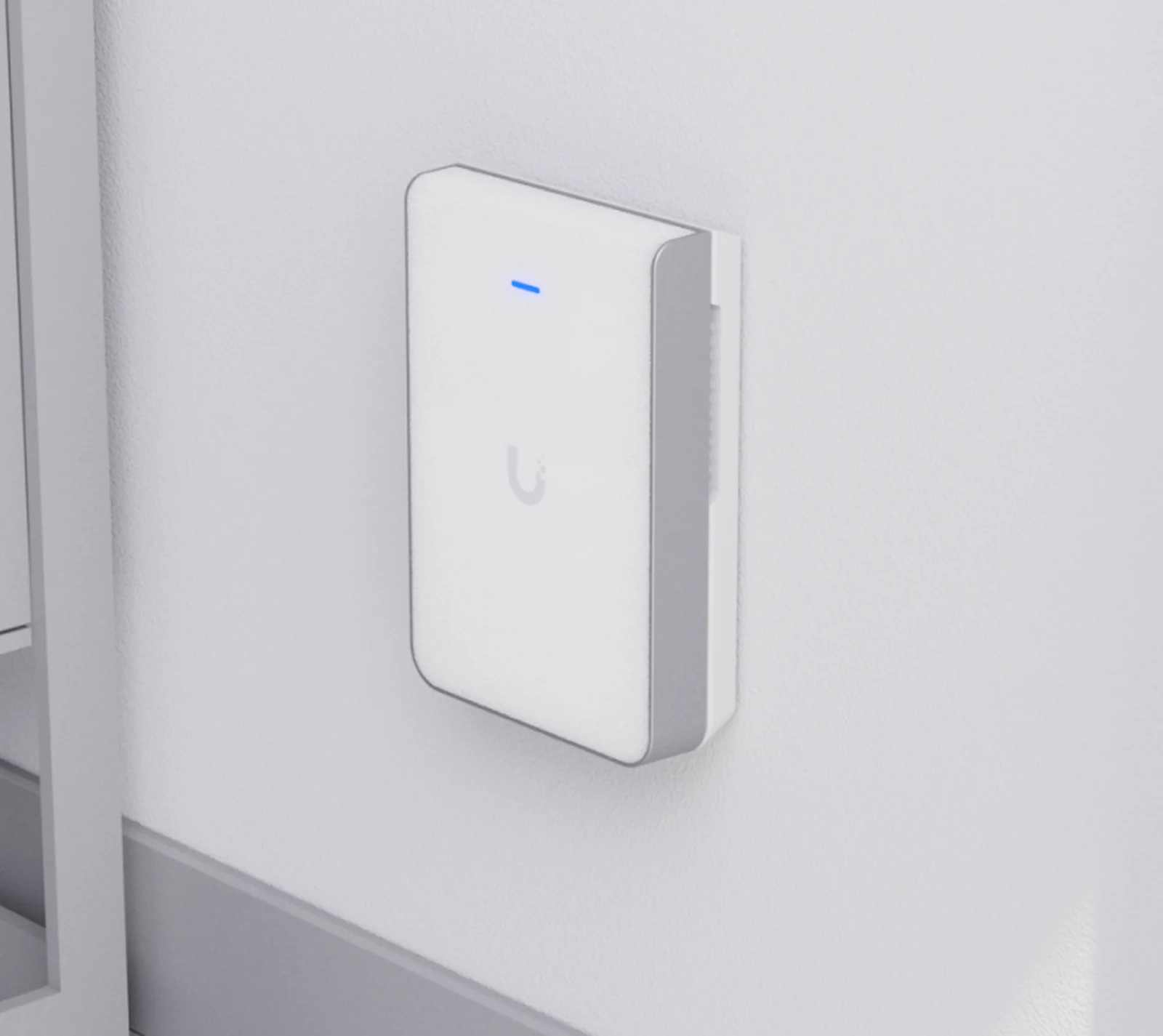
- Ceiling or wall access points, indoor and outdoor-rated where needed
- A UniFi gateway that runs the network, the firewall and, if you want it, a second internet line
- A PoE switch, so each access point is powered through its network cable
- Separate networks for the family, for guests and for smart-home devices
- Labelled cabling, a written handover and admin access in your name
The equipment is Ubiquiti’s UniFi line. We are an independent installer and are not affiliated with Ubiquiti Inc.
Can you cover the pool, the garden and a separate casita?
Usually, yes. Outdoor-rated access points cover terraces, pool decks and gardens. For a separate building, the most reliable link is a cable in conduit between the two; where trenching is not possible, a short point-to-point wireless bridge can carry the connection instead. Which option fits depends on distance, line of sight and what is already in the ground, and we tell you which applies after seeing the site.
Coastal humidity and salt air are hard on electronics, so outdoor equipment goes under eaves where possible, with outdoor-rated cable and sealed connections.
What happens when the internet or the power goes down?
Power cuts and brief voltage dips are common in many parts of Costa Rica, especially outside the cities and during rainy-season storms. A small UPS on the network equipment keeps the WiFi up through short cuts and gives some protection against surges.
The UniFi gateway can hold two internet connections, for example fibre or cable as the main line and Starlink or a mobile-data connection as a backup, and switch over automatically when the main line drops. Which providers reach a property varies street by street, so we check what is available at your address during the assessment.
How much does whole-home WiFi cost in Costa Rica?
It depends on the size of the house, how it is built, how many buildings need coverage and how much new cabling is needed. Two houses of the same size can need very different work, so we do not publish a price list. After the assessment you receive a written design with an itemised equipment list and the installation scope, and nothing is ordered until you approve it.
Does someone need to look after the network afterwards?
Not necessarily. You get full admin access and a walkthrough at handover. If you spend part of the year abroad, or simply do not want to be the person troubleshooting, our managed network service adds monitoring, scheduled updates and remote support. If the house is also let to guests, see WiFi for vacation rentals.
We install in Guanacaste, Nosara, Santa Teresa, and in Escazú, Santa Ana and Lindora.
Frequently asked questions
Will I need new cables in the walls?
Usually some. Access points work best with one Ethernet cable each. Where conduit already exists we reuse it; where it does not, we plan the neatest route available. Every cable route is shown in the design before work starts.
Can I keep the router from my internet provider?
Often yes. Depending on the provider’s equipment, it is either set to bridge mode or left in place with the UniFi gateway behind it. We confirm which during the assessment.
Will my smart-home devices still work?
Yes. Many smart-home devices only use 2.4 GHz WiFi. Giving them their own network keeps them stable and keeps them apart from your computers and phones.
Who owns the equipment and the passwords?
You do. Equipment, the UniFi account and all credentials are in your name from day one, and the documentation is handed over in full.
Can you plan the network while the house is being built?
Yes, and it is the best time. Conduit and cable can go in before walls and ceilings are closed, which avoids surface wiring later. Timing is agreed with you and your builder.
Start with an assessment.
Tell us about the property or business and we will come back with next steps. No obligation, and no equipment ordered until you approve a design.
Or message us directly: WhatsApp · +1 646 744 4892 · hello@costaricanetworkco.com